

Build a Simple Password Strength Checker in Kotlin
• kotlinbeginnerstringsvalidationloopsconditionals
Hook
Passwords show up everywhere, and even a basic strength checker teaches you practical string rules and validation.
Problem statement
Create a function that evaluates a password and returns one of these results: Weak, Medium, Strong, or a clear Error: ... message for invalid input.
Input/Output
Input: A nullable string password.
Output: A string label: Weak, Medium, Strong, or Error: ....
Example
"Passw0rd!"→"Strong""password"→"Weak"""→"Error: password cannot be empty."
Rules/Constraints
- If
passwordisnull, return"Error: password cannot be null." - Trim leading/trailing whitespace before checking; if empty after trimming, return
"Error: password cannot be empty." - Strength rules (after trimming):
- Weak if length < 6
- Otherwise, compute a score based on these categories present:
- (1) lowercase letter, (2) uppercase letter, (3) digit, (4) special character (any non-whitespace that is not a letter or digit)
- Strong if length ≥ 10 and score ≥ 3
- Medium if score ≥ 2 (and not Strong)
- Weak otherwise
- No file I/O, no databases, no network requests
Try it yourself
Test with a variety of passwords, such as short ones, all-lowercase, mixed case with digits, and ones containing punctuation. Try inputs that include spaces at the ends.
Hints
- Scan the string character by character and track booleans for each category.
- Use
trim()before applying any checks. - Count how many category booleans are true to get the score.
Step-by-step approach
- Validate
nulland empty-after-trim inputs with clear error messages. - If the trimmed password is shorter than 6, return
Weakimmediately. - Loop through characters and detect lowercase, uppercase, digit, and special characters.
- Compute the score as the number of detected categories.
- Apply the Strong/Medium/Weak rules in order.
Edge cases
- Passwords with only whitespace characters.
- Passwords containing internal spaces (these count as whitespace; do not treat them as special characters).
- Passwords exactly length 6, 9, or 10.
- Passwords with only one category (for example, only digits).
Time/space complexity
Time: O(n) where n is the password length, because you scan once.
Space: O(1) extra space.
Starter function signature
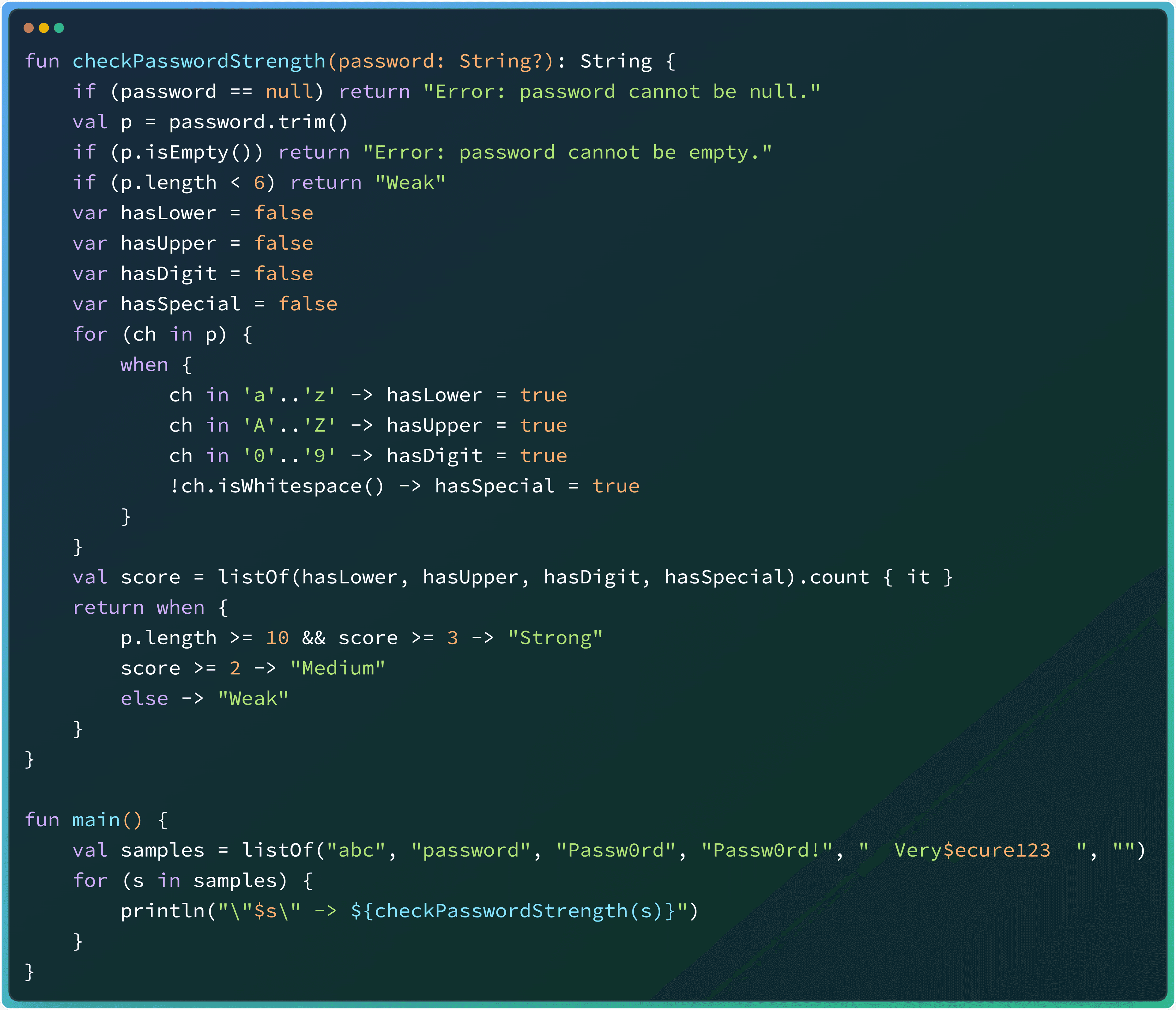
fun checkPasswordStrength(password: String?): StringSolution
fun checkPasswordStrength(password: String?): String {
    if (password == null) return "Error: password cannot be null."
    val p = password.trim()
    if (p.isEmpty()) return "Error: password cannot be empty."

    if (p.length < 6) return "Weak"

    var hasLower = false
    var hasUpper = false
    var hasDigit = false
    var hasSpecial = false

    for (ch in p) {
        when {
            ch in 'a'..'z' -> hasLower = true
            ch in 'A'..'Z' -> hasUpper = true
            ch in '0'..'9' -> hasDigit = true
            !ch.isWhitespace() -> hasSpecial = true
        }
    }

    val score = listOf(hasLower, hasUpper, hasDigit, hasSpecial).count { it }

    return when {
        p.length >= 10 && score >= 3 -> "Strong"
        score >= 2 -> "Medium"
        else -> "Weak"
    }
}

fun main() {
    val samples = listOf("abc", "password", "Passw0rd", "Passw0rd!", "  Very$ecure123  ", "")
    for (s in samples) {
        println("\"$s\" -> ${checkPasswordStrength(s)}")
    }
}

// Sample Output:
// "abc" -> Weak
// "password" -> Weak
// "Passw0rd" -> Medium
// "Passw0rd!" -> Medium
// "  Very$ecure123  " -> Strong
// "" -> Error: password cannot be empty.